Scam calls in Hull are becoming more frequent — and more convincing. Whether someone claims to be from Microsoft, your bank, HMRC, or BT, these calls are designed to panic you into handing over money or access to your devices.
This guide explains how to spot a scam call, what to do in the moment, and how to protect yourself and your family in Hull and East Yorkshire.
Why Scam Calls Are So Effective
Scammers are not amateurs. They use professional scripts, spoofed caller IDs, and psychological pressure to make their calls seem legitimate. They target people of all ages — and smartphone users in Hull are just as vulnerable as anyone else.
The goal is always the same: to get your money, your passwords, or access to your device.
How to Know It Is a Scam Call
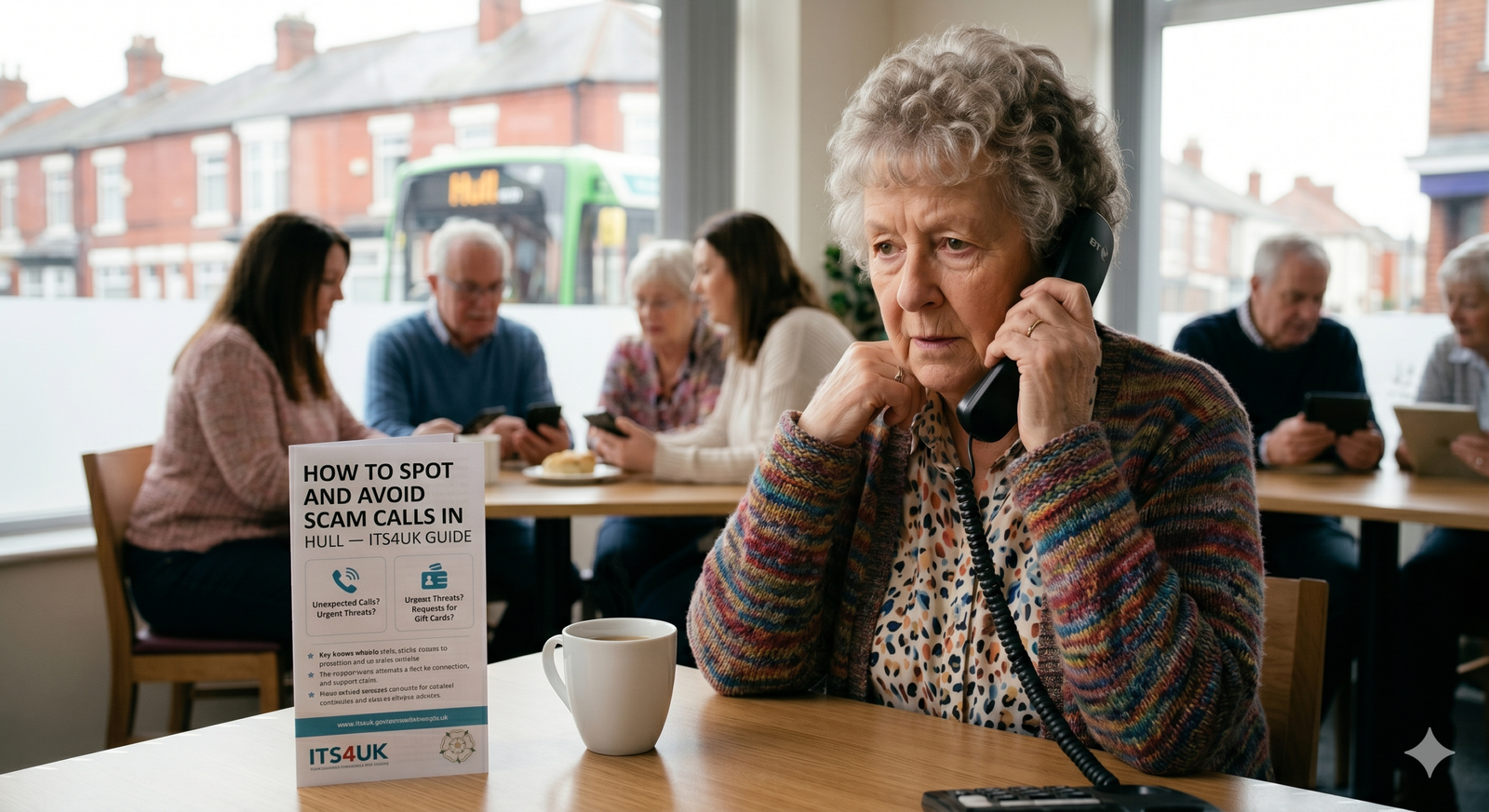
These are the clearest warning signs:
They claim to be Microsoft, BT, or your internet provider
Microsoft and BT do not call you out of the blue about your computer or router. If you receive this call — it is a scam.
They say your bank account has been frozen
Real banks never call asking for your PIN, full password, or to transfer money to a “safe account.” Hang up and call your bank directly on the number on the back of your card.
They say you owe money to HMRC and will be arrested
HMRC contacts people by letter first. They do not threaten arrest over the phone. This is always a scam.
They create panic and urgency
Scammers want you scared so you act without thinking. Phrases like “act now,” “your account will be closed,” or “you’ll be arrested within the hour” are manipulation tactics.
They ask for remote access to your computer or phone
Never allow anyone who calls you unsolicited to access your device remotely. This is how scammers steal your files, banking details, and passwords.
They tell you not to tell anyone
A legitimate organisation will never ask you to keep a call secret from family members or your bank.
What to Do When You Get a Scam Call
- Hang up immediately — you owe them nothing
- Do not call back on any number they give you
- Call the real organisation back using the number on their official website or the back of your bank card
- Report it to Action Fraud on 0300 123 2040 or at actionfraud.police.uk
- Tell a family member, especially if you are worried
- Call us if you need to clear your laptop
Already Given Access to Your Device?
If someone has had remote access to your computer or phone, act quickly:
- Disconnect from the internet immediately
- Do not log in to your bank or email until your device has been checked
- Call Daniel at ITS4UK — we specialise in removing remote access software, checking for malware, and making sure your device is clean and secure
We offer a same-day home visit service across Hull and East Yorkshire, with no fix, no fee.
Protect Yourself Going Forward
- Register with the Telephone Preference Service (tpsonline.org.uk) to reduce unwanted calls
- Never give out personal information to an inbound caller
- Use caller ID apps like Truecaller to flag known scam numbers
- Talk to elderly relatives about these tactics — they are often targeted most
Need Help? Call ITS4UK
If you think your device has been compromised by a scam call, do not delay. Call Daniel on 01430 421014 or visit itservice4uk.com for local, trusted IT support across Hull and East Yorkshire.
No call centres. No jargon. Just honest help from a real person who knows your area.
How I can help
Need a hand with this?
Free advice over the phone. Mon–Fri 10–6, Sat 10–2, early drop-off and evenings by arrangement.