By Daniel, ITS4UK · Updated 19 November 2026 · 7-minute read
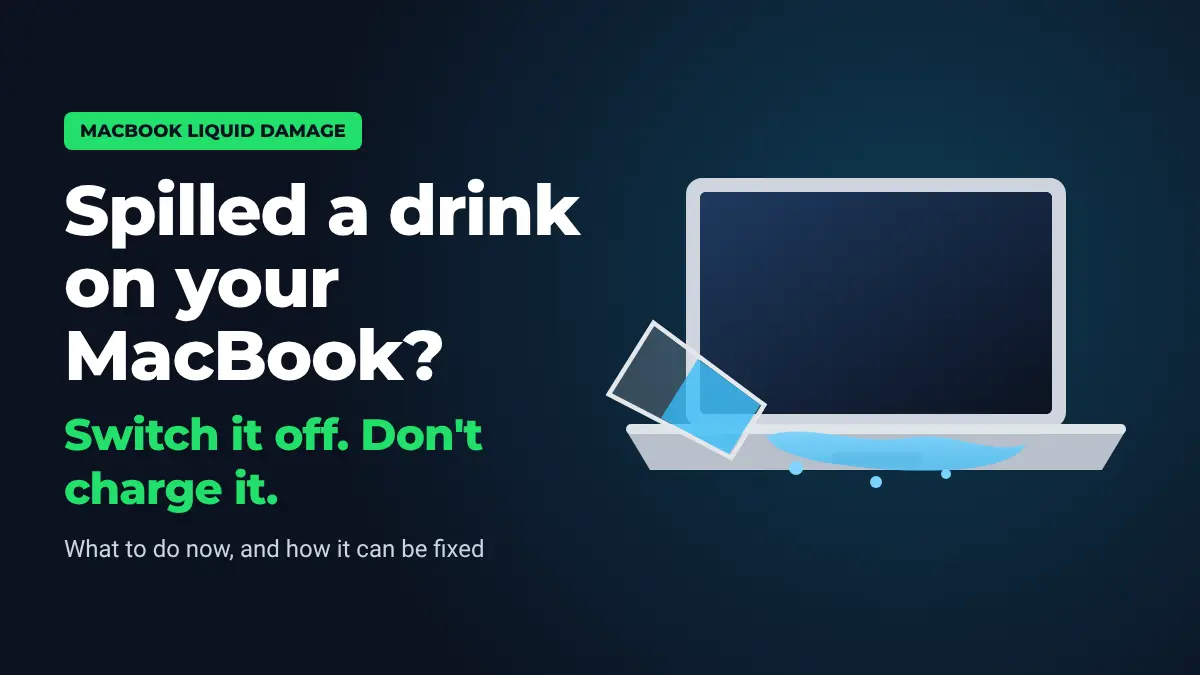
Spilled water, tea or wine on your MacBook? Switch it off now and don't charge it. A MacBook has almost everything on one main board, sitting right under the keyboard. Liquid that gets in can short it out straight away, or keep corroding it for days afterwards. What you do in the first few minutes, and how quickly it gets cleaned, decides whether it's a clean-up or a much bigger repair.
What to do straight away
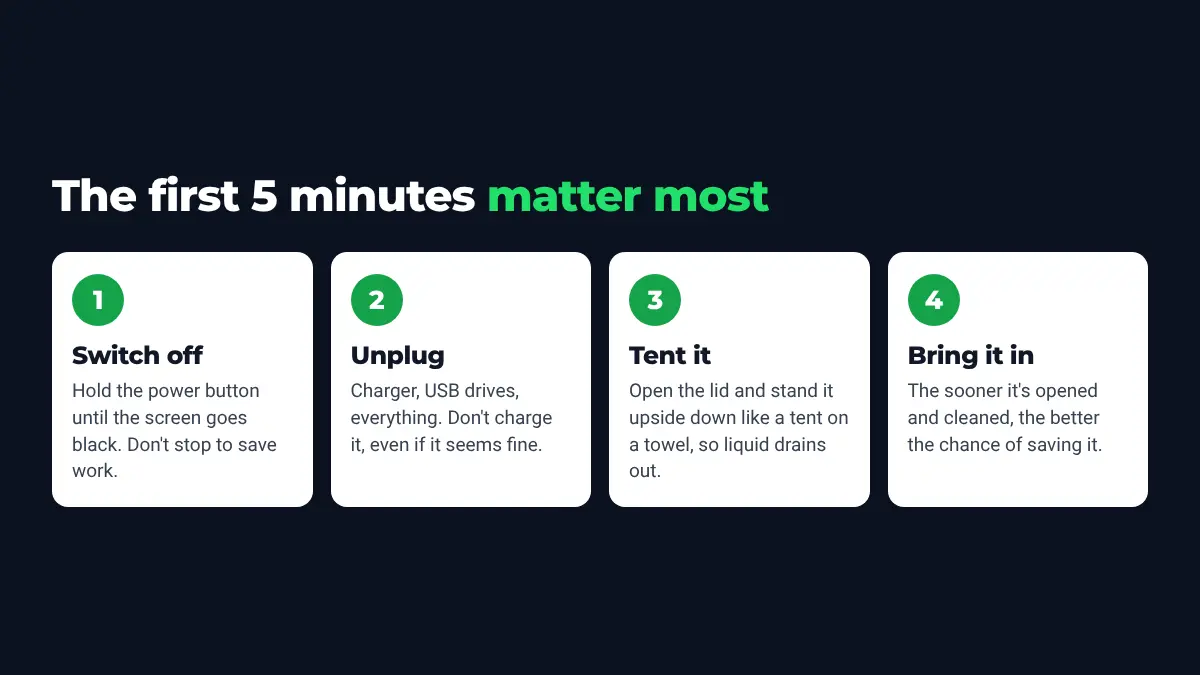
- Switch it off. Hold the power button (Touch ID button on newer models) for about 10 seconds until the screen goes black. Don't stop to save your work.
- Unplug everything. Charger, USB drives, adapters and any cables.
- Tip the liquid out. Open the lid as wide as it goes and stand the MacBook upside down like a tent on a towel, so liquid runs back out of the keyboard rather than further in.
- Wipe off what you can with a dry cloth or kitchen roll. Don't press hard on the keys.
- Bring it in as soon as you can. Every MacBook has its battery built in, so it can't be fully powered down at home. The board stays live until the battery is disconnected inside.
What not to do
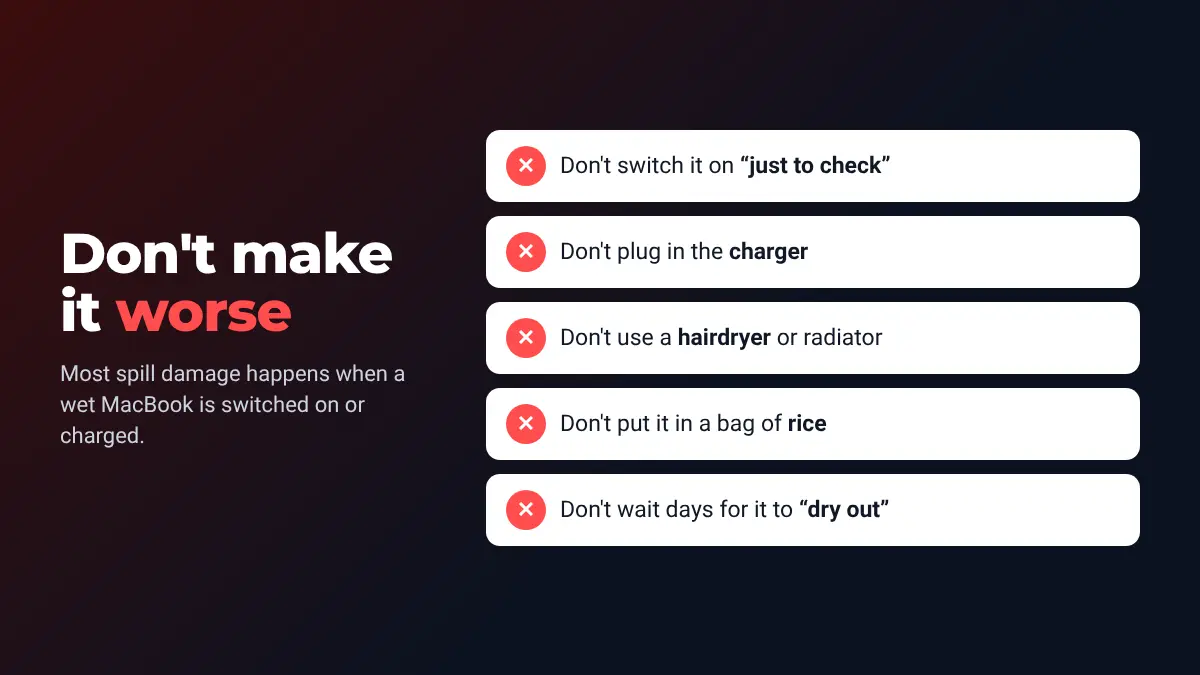
- Don't switch it on "just to check". Powering a wet board is how most of the damage is done.
- Don't charge it, even if it seems to be working.
- Don't use a hairdryer, heater or radiator. Heat doesn't dry under the chips and can damage the screen and battery.
- Don't use rice. Apple's own advice for wet iPhones is not to put them in rice, because small rice particles can get inside and cause damage. Rice also does nothing about the residue that causes corrosion.
- Don't wait days for it to "dry out" and then try it. Drying doesn't remove the residue left behind.
Why MacBooks are hit harder by spills
- Everything is on one board. On modern MacBooks the processor, memory and storage are all built into the main (logic) board. A short in the wrong place can stop the whole machine.
- The board sits right under the keyboard. Liquid that gets past the keys doesn't have far to go.
- The battery is built in, so power is still reaching the board even when the screen is off.
- The keyboard and trackpad often stop working properly after a spill, even when the board survives.
Why it can fail days later
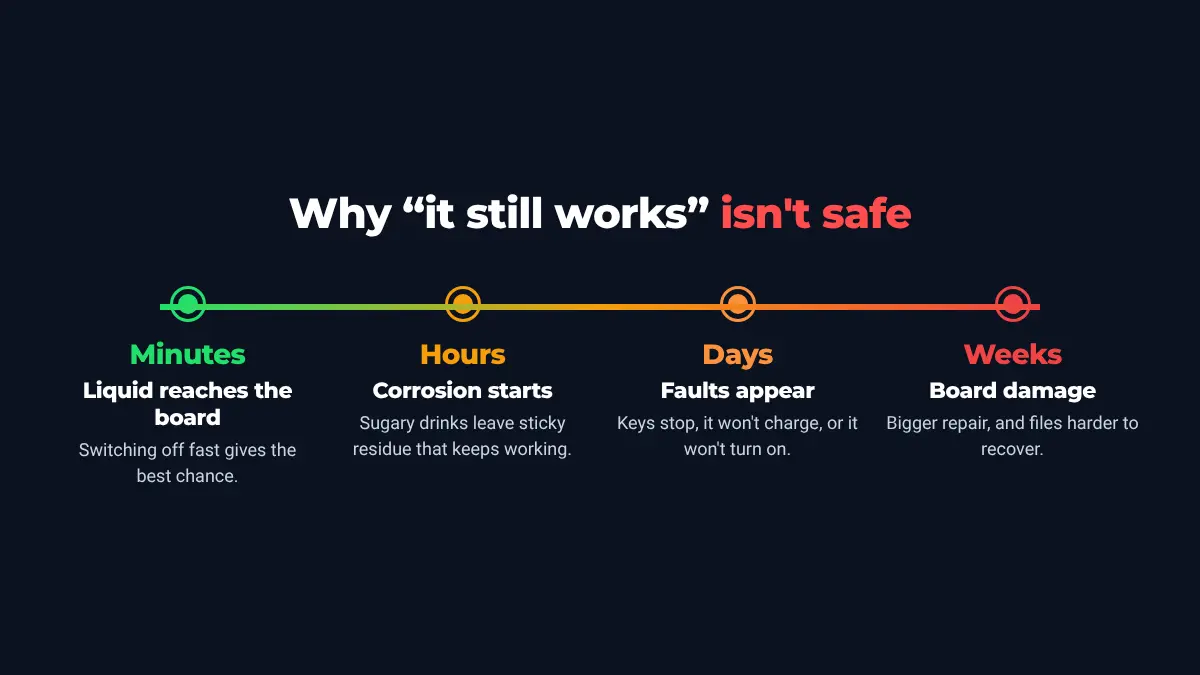
A MacBook that still works after a spill isn't necessarily safe. Liquid and residue left inside keep corroding the connections. Tea, juice, fizzy drinks, wine and anything sugary leave sticky residue that is worse than clean water. It's common for a MacBook to carry on for a few days and then develop faults: keys that stop working, no charging, or not turning on at all. By then the damage is bigger and the repair costs more.
Is it covered by Apple?
Usually not under the standard warranty. Apple's support pages say liquid damage to Mac computers isn't covered by its one-year limited warranty. Current Mac laptops have small Liquid Contact Indicators inside that show whether liquid has got in. If you have AppleCare+, check your plan: it includes cover for accidental damage, for an excess fee. Your rights under UK consumer law are separate from Apple's warranty.
Without AppleCare+, the usual official route for a liquid-damaged MacBook is replacing whole parts, such as the main board, keyboard and top case, and that can be expensive. An independent repair cleans and repairs the board itself where possible, which is often a cheaper option.
How a MacBook liquid damage repair works
- Battery disconnected as soon as it's opened, so nothing else shorts out.
- Inspection of the main board, keyboard, trackpad, battery, speakers and screen connectors to see where the liquid reached.
- Board cleaning to remove the liquid residue and corrosion.
- Board-level repair where needed: testing and replacing individual damaged components rather than the whole board.
- Testing everything: power, charging, keyboard, trackpad, screen, sound, Wi-Fi and storage, before it goes back to you.
Sometimes a part such as the keyboard or battery needs replacing as well. You'll be told what's damaged and given a price before any repair work starts.
Getting your files back
On newer MacBooks the storage is built into the main board, so it can't simply be taken out and plugged into another computer. Repairing the board is often the way to get your photos and documents back, even if the MacBook itself isn't worth fixing. If you have a recent Time Machine or iCloud backup, tell us. It can change what's worth doing. More on this on our data recovery page.
Prices and bringing it in
- Free diagnosis: you'll know what's wrong and the price before anything is done.
- £39 non-refundable cleaning fee for liquid-damaged devices, because the board has to be cleaned before it can be tested properly.
- 90-day guarantee on the parts and labour of the repair.
- Free collection and delivery within 5 miles of North Cave, and early drop-off before work by arrangement.
The workshop is at 27 Newport Road, North Cave (HU15 2NU), about 20 minutes from Hull, 18 from Beverley and 10 from Brough. Call 07927 915560 or get in touch. If it's just happened, ring first so the MacBook can be opened up as soon as possible.
For other kinds of laptop, see spilled a drink on your laptop?. For other Mac faults, see MacBook & iMac repair and MacBook won't turn on.
Questions
My MacBook still works after the spill. Do I need to do anything?
Yes. Switch it off, don't charge it, and get it checked. Liquid inside can keep causing corrosion, and cleaning it now is cheaper than repairing the board later.
Should I put my MacBook in rice?
No. Rice doesn't remove the residue that causes corrosion, and Apple advises against rice for wet iPhones because small particles can get inside. Stand it upside down like a tent and bring it in.
How long should I leave it to dry?
Leaving it to dry doesn't remove the sticky residue or stop corrosion, and the built-in battery keeps power on the board. Keep it switched off and bring it in as soon as you can.
Will Apple fix it under warranty?
Liquid damage isn't covered by Apple's standard one-year warranty. If you have AppleCare+, check your plan, as it includes accidental damage cover for an excess fee.
Can you get my files back if the MacBook can't be saved?
Often, yes. On newer MacBooks the storage is part of the main board, so repairing the board is usually the way to recover the files.
How much does it cost?
Diagnosis is free, and there is a £39 non-refundable cleaning fee for liquid-damaged devices. The repair price depends on what's damaged, and you get it before any repair work starts.
Sources
- Apple Support – About liquid damage to Mac computers and accessories not covered by warranty
- Apple Support – If you see a liquid-detection alert on your iPhone (advice on not using rice)
How I can help
Need a hand with this?
Free advice over the phone. Mon–Fri 10–6, Sat 10–2, early drop-off and evenings by arrangement.