By Daniel, ITS4UK · Updated 20 November 2026 · 7-minute read
Forgotten the PIN or password for your laptop? Don't panic, and don't download a “password recovery” program from a random website. Most people can get back in using the official reset options on the sign-in screen. Which one works depends on how you sign in, so start by working out which kind of account you have.
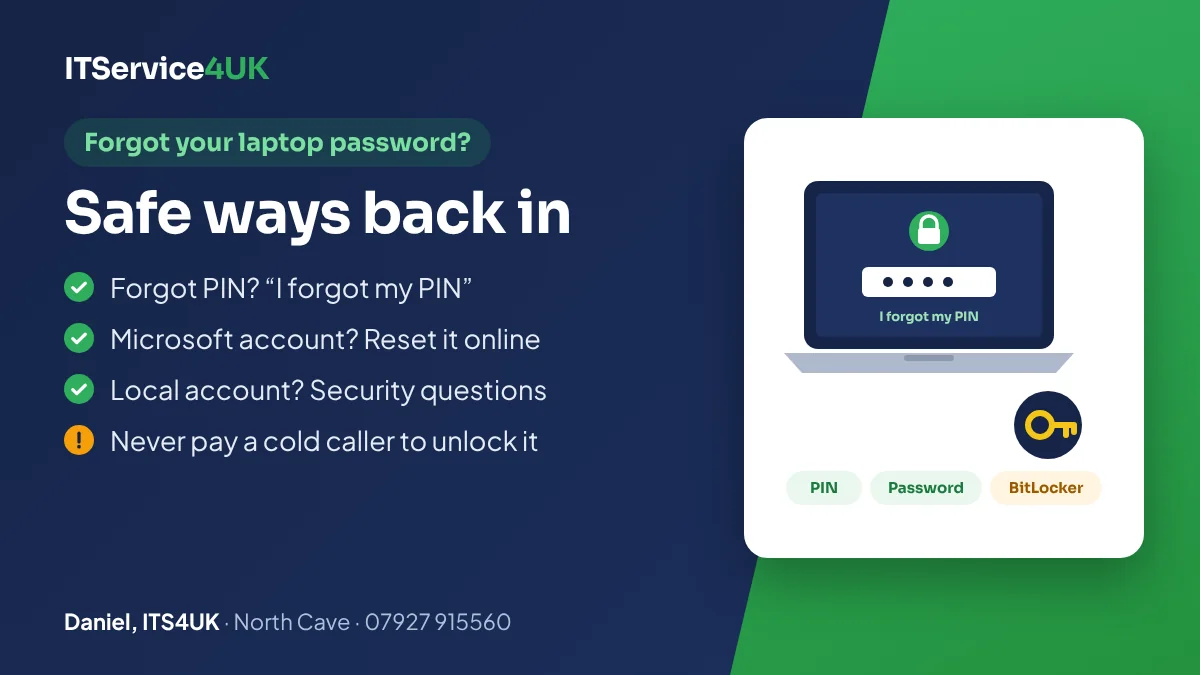
The short version
- Forgot your PIN? Select “I forgot my PIN” on the sign-in screen.
- Email address shown under your name? It's a Microsoft account: reset the password online from any phone or computer.
- No email address shown? It's a local account: answer your security questions, if you set them up.
- Locked out after too many tries? Wait, then try again carefully. Don't keep guessing.
- Asked for a BitLocker recovery key? It's often saved in your Microsoft account.
Which kind of sign-in do you have?
Look at the sign-in screen. What it shows tells you which reset option to use.
| What you see | What it is | How to reset it |
|---|---|---|
| A box for a PIN (often just numbers) | A Windows Hello PIN. It's linked to your account and only works on this laptop. | “I forgot my PIN”, under the box |
| Your email address under your name (Outlook, Hotmail, Live or another email) | A Microsoft account | Reset the password online, then sign in |
| Just a name, with no email address | A local account, which only exists on this laptop | Security questions, a password reset disk, or another administrator account |
| A work or school email, or the laptop came from an employer or school | A work or school account | Your IT department or school has to reset it |
Forgot your PIN
- On the sign-in screen, select I forgot my PIN, under the PIN box.
- Sign in with your Microsoft account password and confirm it's you with a code sent to your email or phone.
- Choose a new PIN.
Microsoft says “I forgot my PIN” only appears for Microsoft accounts. If you don't see it, select Sign-in options, sign in with your password instead, then set a new PIN in Settings → Accounts → Sign-in options.
Forgot your Microsoft account password
You can reset a Microsoft account password from the laptop's sign-in screen, or from any phone or computer:
- On the sign-in screen, select I forgot my password. Or, on another device, go to Microsoft's reset password page.
- Choose where to receive a security code: the backup email address or phone number on your account.
- Enter the code, then choose a new password.
- Back on the laptop, make sure it's connected to the internet (the network icon on the sign-in screen), then sign in with the new password.
If you no longer have the backup email or phone, Microsoft has an account recovery form. Microsoft also says its support staff aren't allowed to send password reset links or change account details for you, so ignore anyone who phones offering to “unlock” your account. For hacked or blocked email accounts, see hacked email and account recovery.
Forgot a local account password
A local account only exists on that laptop, so there's nothing to reset online. Your options are:
- Security questions. After typing a wrong password, select Reset password on the sign-in screen and answer the security questions you chose when the account was made. This works on Windows 11, and on Windows 10 version 1803 or later.
- A password reset disk, if you made one on a USB stick in the past. Choose Use a password reset disk instead and follow the steps.
- Another administrator account. If someone else has an administrator account on the laptop, they can sign in and set a new password for yours in Control Panel → User Accounts → Manage another account.
If none of these are possible, Microsoft says its support can't retrieve or get round a lost password, and Dell says the only supported fix then is to reset or reinstall Windows. That removes the account, but your files can usually be copied off first (see if nothing works).
Locked out after too many attempts
To stop people guessing, Windows 11 locks an account for 10 minutes after 10 wrong passwords in a row, by default. Wait, check that Caps Lock is off and the keyboard is set to English (UK), then try again slowly.
If the PIN option says it has been disabled because of failed sign-in attempts, Windows offers two ways round it: use a different sign-in option, such as your password, or leave the laptop switched on for at least 2 hours and try again.
Asked for a BitLocker recovery key?
A blue screen asking for a 48-digit BitLocker recovery key isn't a forgotten password. It means the drive is encrypted and Windows wants the key, often after a hardware change or for security reasons. To find it:
- On another device, sign in to your Microsoft account at aka.ms/myrecoverykey and match the key ID shown on the screen.
- If someone else set the laptop up, the key may be in their Microsoft account. If it came from work or school, ask them.
- Check for a printout or a saved file from when the laptop was set up.
Microsoft can't retrieve, provide or recreate a lost recovery key, so without it the files on an encrypted drive can't be read. It's worth checking now that you can see your key, while everything works.
MacBooks and iMacs
Apple's steps are different. After up to three wrong attempts, the login window may offer to reset the password using your Apple Account or your FileVault recovery key. If it doesn't, you can start up from macOS Recovery and choose “Forgot all passwords?”. Apple says that if nothing else works, the last resort is erasing the Mac, which removes everything on it. For other Apple problems, see MacBook & iMac repair.
If nothing works
Don't pay a cold caller, and don't download “unlocker” programs. Unexpected calls offering to unlock your computer are scams, and password-cracking downloads from search results can carry malware. See how to avoid scams.
The safe route is:
- Get your files off first. On most laptops the drive can be taken out and read on another computer, as long as it isn't encrypted, or you have the recovery key.
- Reinstall Windows with a fresh account that you'll be able to get back into.
- Put your files back, and set up a way back in for next time: a Microsoft account with an up-to-date phone number, or security questions for a local account.
If you bring a laptop in for this, please bring something that shows it's yours, such as the receipt or the email address it's registered to.
Prices and help
- Free diagnosis: you'll be told which route will work, and the price, before anything is done.
- Data transfer £85–£189: copying your files off and putting them back.
- Windows wipe and reinstall £75, fixed price.
- Free collection and delivery within 5 miles of North Cave.
The workshop is at 27 Newport Road, North Cave (HU15 2NU), close to South Cave, Newport, Gilberdyke and Brough. It's open Monday to Friday 10am–6pm and Saturday 10am–2pm, with early drop-off and evening appointments by arrangement. Call 07927 915560 or get in touch.
Questions
How do I get into my laptop if I forgot my PIN?
Select “I forgot my PIN” on the sign-in screen, confirm your Microsoft account with a code, and choose a new PIN. If that option isn't there, select Sign-in options, sign in with your password, then set a new PIN in Settings.
Can I reset my Windows password without losing my files?
Usually, yes. A Microsoft account password can be reset online, and a local account can be reset with security questions, a password reset disk or another administrator account. Only if none of those work does Windows need reinstalling, and your files can usually be copied off first.
How long am I locked out after too many wrong passwords?
By default, Windows 11 locks the account for 10 minutes after 10 wrong passwords in a row. Wait, check Caps Lock and the keyboard language, then try again slowly.
What is a BitLocker recovery key, and where do I find it?
It's a 48-digit key that unlocks an encrypted drive when Windows can't unlock it on its own. It's often saved in the Microsoft account used to set the laptop up, which you can check at aka.ms/myrecoverykey on another device. Microsoft can't recreate a lost key.
Will Microsoft reset my password over the phone?
No. Microsoft says its support agents aren't allowed to send password reset links or change account details. Use the reset options on the sign-in screen or Microsoft's website, and treat any unexpected call offering to unlock your computer as a scam.
I forgot my Mac password. What should I do?
After up to three wrong attempts, the login window may offer to reset it with your Apple Account or FileVault recovery key. If not, start up from macOS Recovery and choose “Forgot all passwords?”. Apple's last resort is erasing the Mac, which removes its data.
Sources
- Microsoft Support – Change or reset your PIN in Windows
- Microsoft Support – Reset a forgotten Microsoft account password
- Microsoft Support – Change or reset your local account password in Windows
- Microsoft Support – Find your BitLocker recovery key
- Dell Support – How to remove, recover or reset a local account password
- SecurityWeek – New default account lockout policy in Windows 11
- Apple Support – If you forgot your Mac login password
How I can help
Need a hand with this?
Free advice over the phone. Mon–Fri 10–6, Sat 10–2, early drop-off and evenings by arrangement.